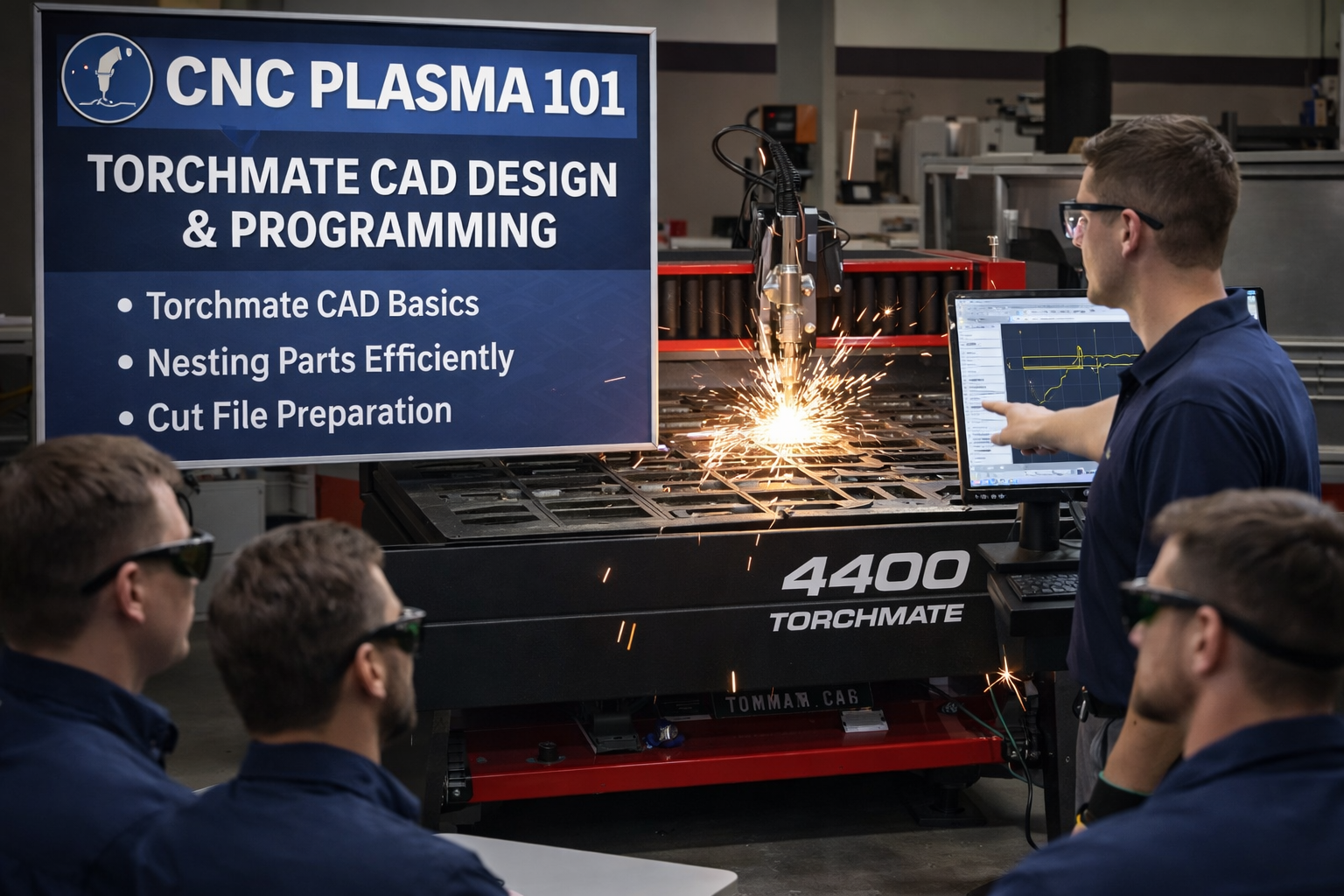
CNC Plasma 101 introduces students to the digital design and programming skills required to operate a CNC plasma table using Torchmate CAD software. This course focuses on the front-end workflow—designing parts, preparing files, and understanding how digital drawings translate into accurate plasma cuts.
Students will learn how to create and modify 2D vector drawings, apply proper dimensions, and organize geometry for efficient cutting. Emphasis is placed on nesting parts to reduce material waste, setting correct cut parameters, and exporting clean, machine-ready files for plasma table operation.
Topics Covered Include:
- Torchmate CAD interface, tools, and navigation
- Creating and editing basic 2D shapes and text
- Drawing cleanup and best practices for plasma cutting
- Layer management and cut order logic
- Nesting techniques for material efficiency
- File preparation and export for CNC plasma tables
- Introduction to common design errors and how to avoid them
This course is designed for apprentices, journeypersons, and shop personnel looking to build foundational CNC skills before operating the plasma table. Successful completion of CNC Plasma 101 is required before enrolling in CNC Plasma 102 (Hands-On Machine Operation).